



Is Microsoft 365 HIPAA Compliant? PHI Setup Checklist


Yes, Microsoft 365 can support a HIPAA-aligned medical practice when the right agreement and settings are in place. This guide shows how to confirm Microsoft's Business Associate Agreement (BAA), what to configure in each app, and what to heck before patient records move.
KairosIT supports healthcare practices with managed IT, cybersecurity, and Microsoft 365. The short answer to "is Microsoft 365 HIPAA compliant" has two parts. Microsoft provides the agreement and the tools. Your practice decides how they are used.
Key Takeaways
- Microsoft 365 can support HIPAA compliance, and a subscription alone does not make a practice compliant.
- Confirm that your Microsoft BAA covers every service that will handle protected health information (PHI).
- Set up multifactor authentication (MFA), role-based access, secure sharing, and device protection before moving PHI.
- Exchange Online, OneDrive for Business, SharePoint Online, and Teams appear in Microsoft's HIPAA applicability table. Confirm every other service you plan to use.
- The right license depends on your practice's risk analysis.
- Compliance continues after setup through staff training, monitoring, and tested recovery from backup.
Is Microsoft 365 HIPAA compliant?
Microsoft's HIPAA documentation says that using Microsoft services doesn't on its own achieve HIPAA compliance. Your organization is responsible for an adequate compliance program and for making sure its use of the services lines up with HIPAA obligations.
The HHS Office for Civil Rights (OCR) states that it does not endorse, certify, or recommend specific technology or products. A practice demonstrates compliance through its own risk analysis, policies, and safeguards.
What Microsoft is responsible for
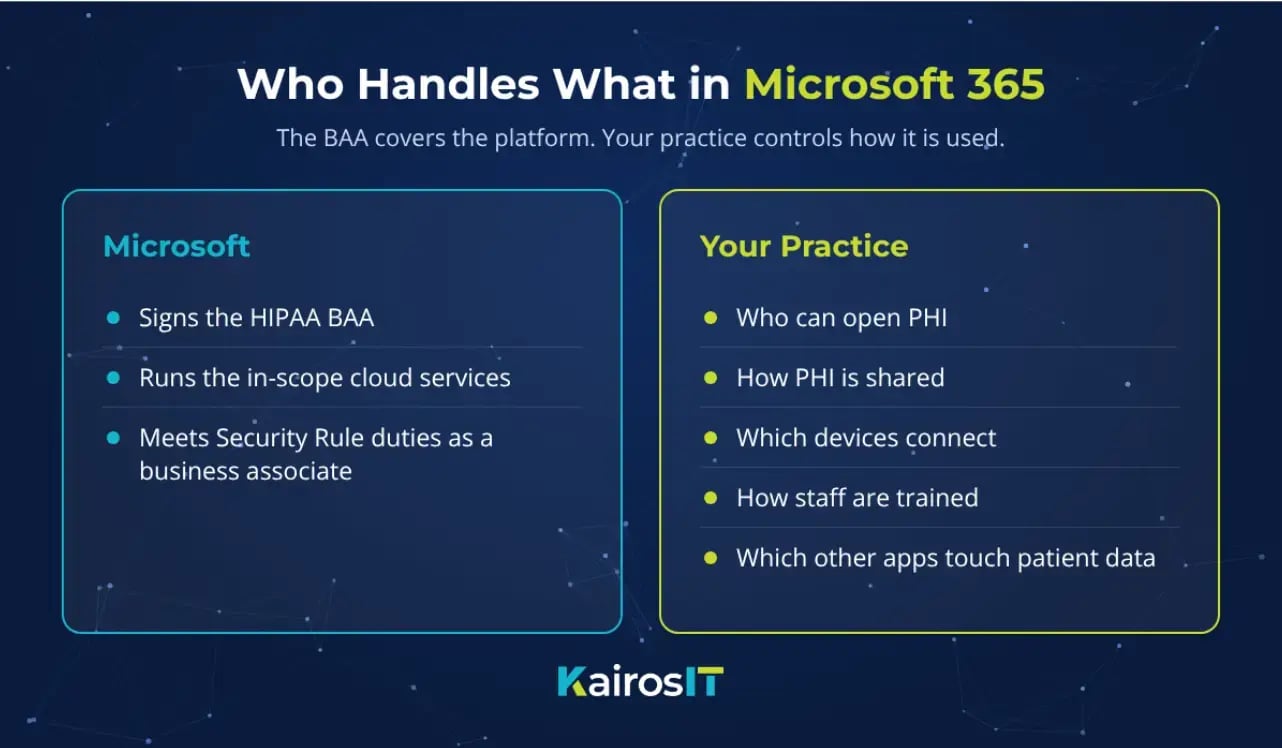
Microsoft signs the BAA and runs the cloud services under the Security Rule requirements that apply to it as a business associate. That covers the platform itself.
What your practice is responsible for
Your practice decides who can open PHI, how it is shared, which devices connect, and how staff are trained. It also chooses which other apps touch patient data.
Does Microsoft 365 include a HIPAA Business Associate Agreement?
Yes. Microsoft says its HIPAA BAA is available through the Online Services Data Protection Addendum by default to customers that are covered entities or business associates. The BAA covers in-scope Microsoft services.
Microsoft publishes an applicability table for Office 365 services that includes Exchange Online, Microsoft Teams, OneDrive for Business, and SharePoint Online. Ask your IT administrator to confirm that every other service you plan to use for PHI appears there.
HHS explains why this agreement matters. When a covered entity uses a cloud provider to store ePHI, the provider is a business associate and the two parties must have a BAA in place. That guidance also says responsibilities can be divided. The customer may be responsible for controls such as authentication and unique user identification.
A third-party scheduling or billing app connected to Teams or Outlook needs its own vendor review and its own BAA. Personal Microsoft accounts sit outside your organization's tenant and its controls, so keep PHI out of them.
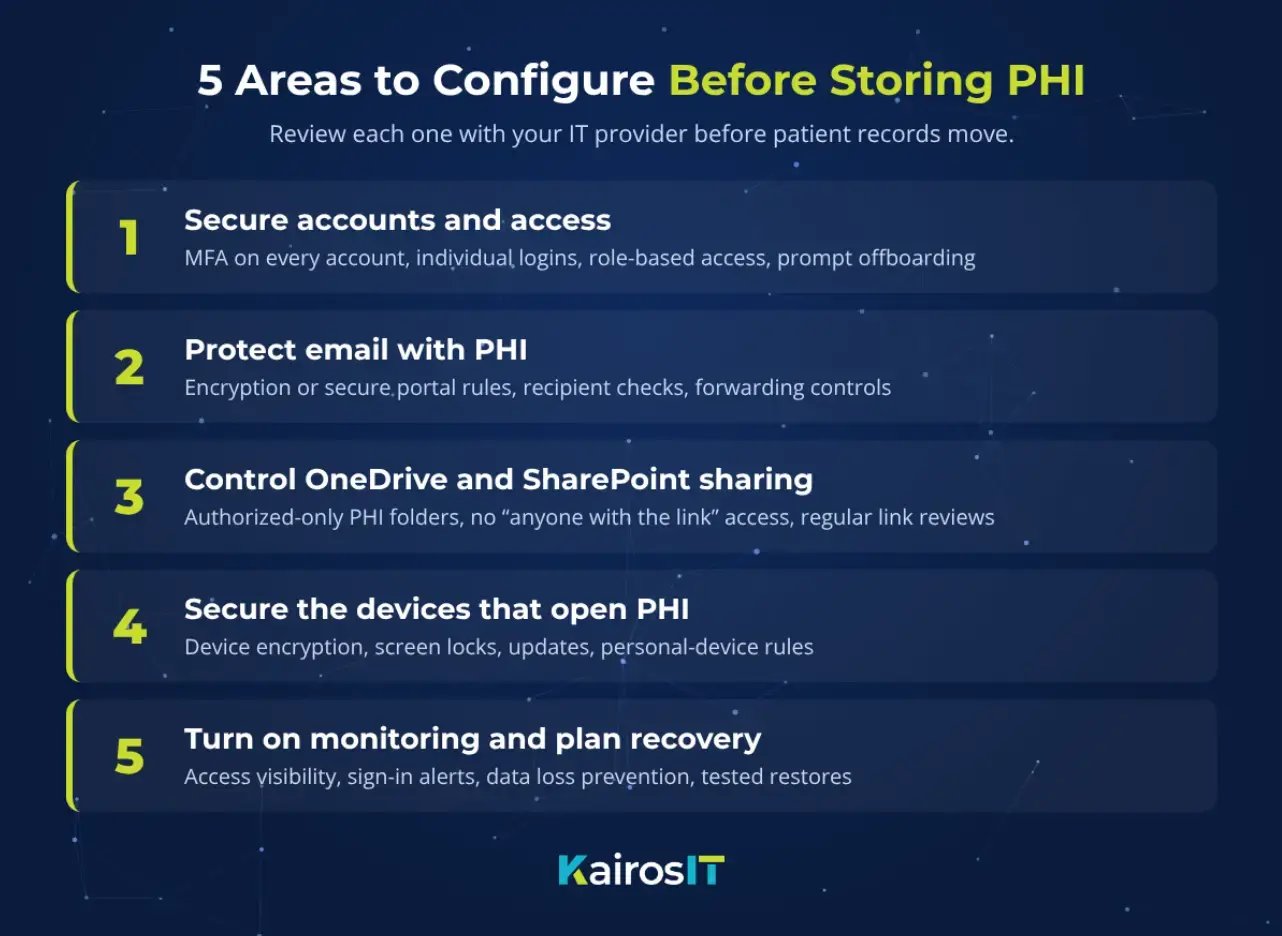
What should you configure before storing PHI?
Review these five areas with your IT provider before uploading patient records or other electronic PHI. Our post on Microsoft 365 security hardening covers the wider environment in more detail.
Secure accounts and access
Start with the people who sign in. These steps reduce the risk of a stolen password exposing patient information:
- Require MFA for every account that can reach PHI.
- Give each staff member an individual login instead of a shared front-desk or clinical account.
- Limit each role to the records it needs. A billing employee may need payment records without access to every clinical file.
- Remove access promptly when staff or contractors leave.
Identity is the control that most other safeguards depend on, as our post on identity as the new security perimeter explains.
Protect email that contains patient information
Outlook can be part of a HIPAA-aligned workflow when the practice sets clear rules. Decide when a message needs encryption or a secure portal, how staff verify external recipients, and whether automatic forwarding is allowed. For high-volume patient documents, a patient portal or your EHR may fit better than email attachments.
Control OneDrive and SharePoint sharing
Set PHI folders so that only authorized people can open them. Review external sharing settings, turn off anonymous "anyone with the link" access for patient files, and check existing links on a regular schedule. Encryption in Microsoft's cloud storage protects files at rest, and the sharing settings decide who can reach them.
Secure the devices that open PHI
Laptops, workstations, and phones can expose patient data if they are lost, stolen, or left unlocked. Use device encryption, screen locks, updates, and clear rules for personal devices. A tool such as Microsoft Intune can enforce those rules, and the specific controls should follow your risk analysis.
Turn on monitoring and plan for recovery
Make sure your team can see who accessed files and spot unusual sign-in activity. Consider data loss prevention rules to reduce accidental PHI sharing. HIPAA also expects contingency planning, so define what must be recoverable and test the restore. Our post on what business continuity requires beyond a backup shows what that testing includes.
Can Outlook, OneDrive, SharePoint, and Teams handle PHI?
They can, when the service is covered by your BAA and your practice applies the right safeguards. This table shows the main safeguard for each app:
|
App |
Main safeguard |
|
Outlook (Exchange Online) |
Protect PHI in transit, verify recipients, and control forwarding. |
|
OneDrive for Business |
Restrict file access, limit external links, and block unmanaged downloads. |
|
SharePoint |
Set permissions by team or role and review who can open clinical folders. |
|
Teams |
Control guest access, shared files, recordings, transcripts, and connected apps. |
A Teams recording or transcript that contains patient information needs the same protection as any other PHI file.
Is Microsoft 365 Business Premium enough for HIPAA?
Business Premium bundles identity, device, and security tools in one plan. Business Basic and Business Standard may need added tools to cover the safeguards your risk analysis calls for.
A license is one input to the decision. Choose the plan from the controls you need, and verify current feature availability with Microsoft or your IT provider before you buy.
Microsoft 365 HIPAA checklist before storing PHI
Use this checklist with your IT provider:
- Complete a HIPAA security risk analysis for the planned Microsoft 365 workflows.
- Verify your BAA and confirm that each service handling PHI is covered.
- Choose licenses and added tools that support the required safeguards.
- Require MFA, unique accounts, and role-based access.
- Review email protection and external forwarding rules.
- Restrict sharing in OneDrive, SharePoint, and Teams.
- Secure work devices and set rules for personal devices.
- Turn on audit logging, then test your backup restore.
- Train staff on PHI handling, phishing, and incident reporting.
- Test the configuration before migrating live patient data.
Common Microsoft 365 HIPAA mistakes
Check your setup for these common gaps:
- Treating a Microsoft subscription or BAA as proof of compliance.
- Using personal Microsoft accounts or unreviewed integrations for PHI.
- Leaving "anyone with the link" sharing on for clinical files.
- Giving every employee broad access to shared patient folders.
- Keeping former employees' accounts active.
- Letting patient files sync to unsecured personal devices.
- Treating Microsoft 365 availability as a complete backup plan.
Is your Microsoft 365 environment ready for PHI? Ask KairosIT
Microsoft 365 can be a workable home for patient information when the agreement, the controls, and the policies line up. A review against your risk analysis shows where your setup stands today. KairosIT does not certify or attest a practice's compliance, and the review gives you a documented picture to act on.
If you are moving patient data into Microsoft 365, see how KairosIT supports healthcare practices, then talk with our team about a Microsoft 365 review.